







Everything your shop needs to sell
One system for the counter and the back office: the bill, the stock behind it and the figures at the end of the day.
Owners, admins and cashiers each see what their job needs.


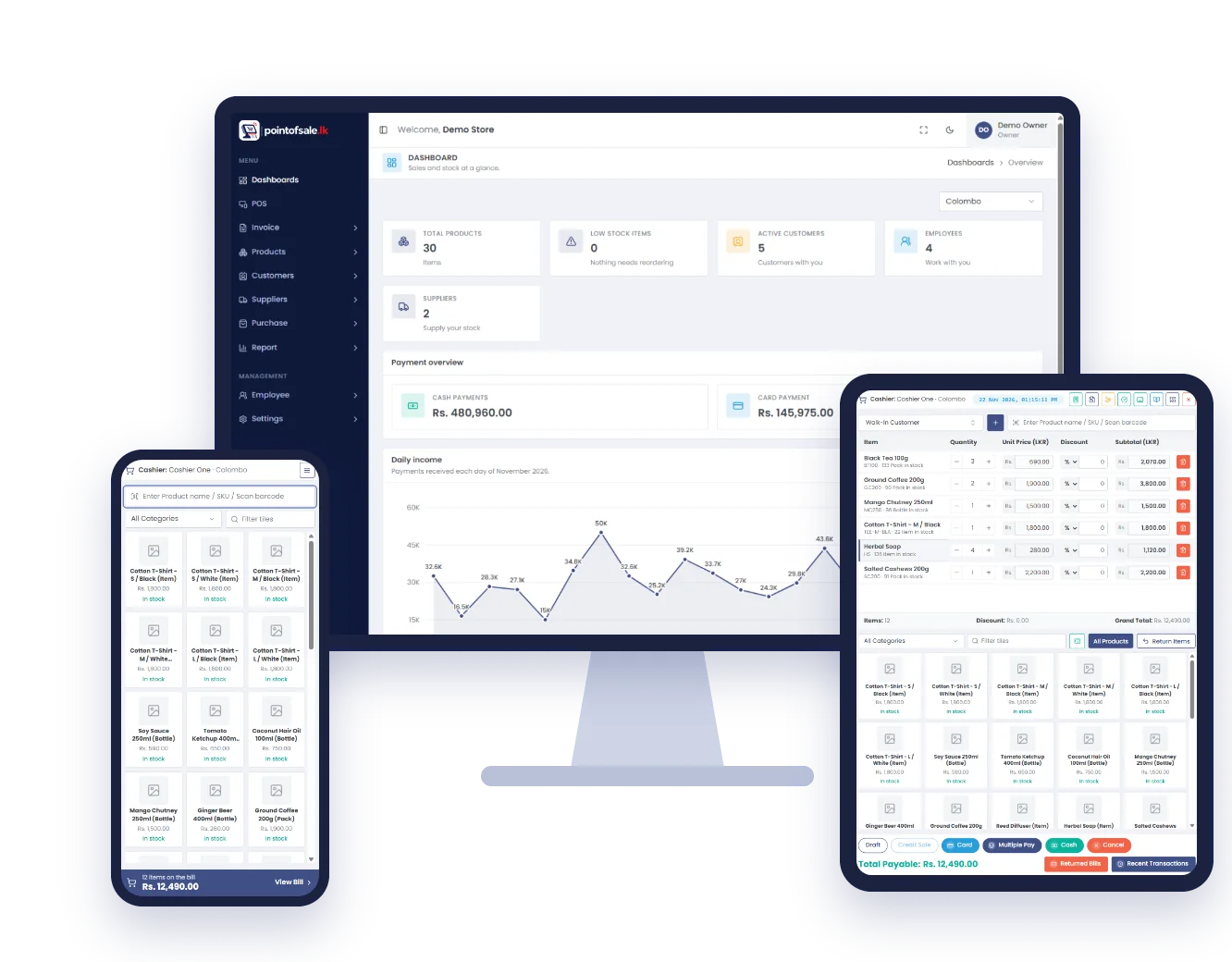
Works on the screen you already have
Open pointofsale.lk in the browser on a computer, tablet or phone. Every screen fits the device, with bigger buttons on touch screens, and there is nothing to install.
How it works
From sign-up to your first bill in four steps, on the computer you already have.
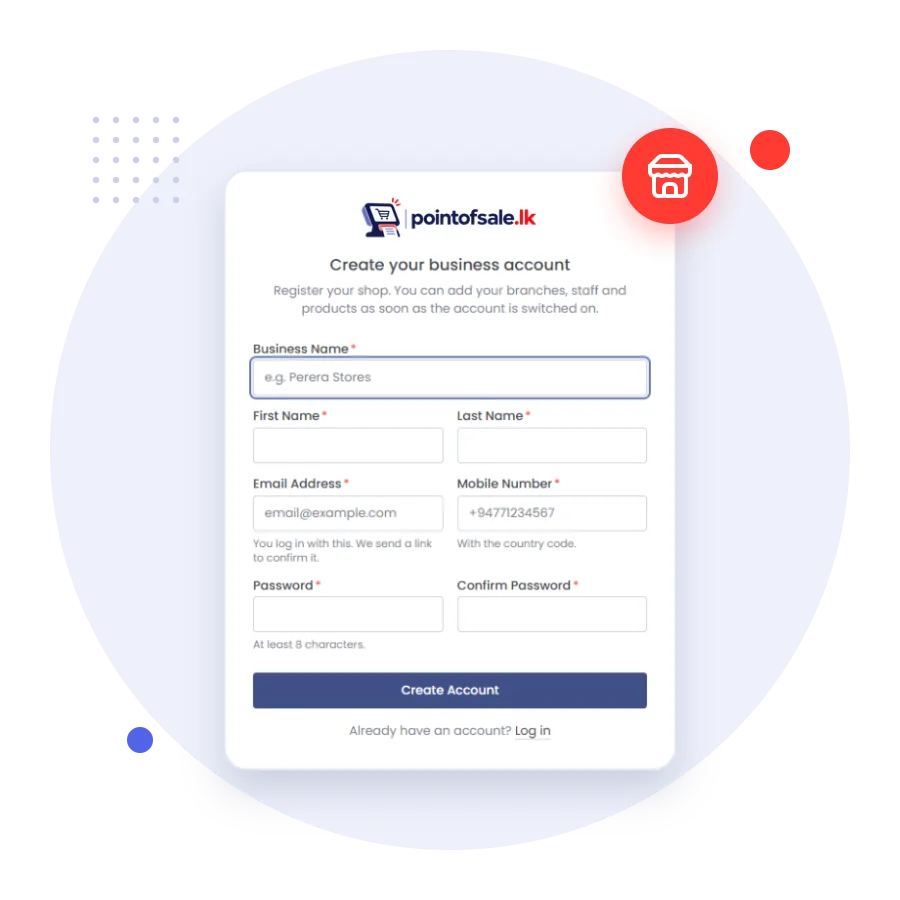
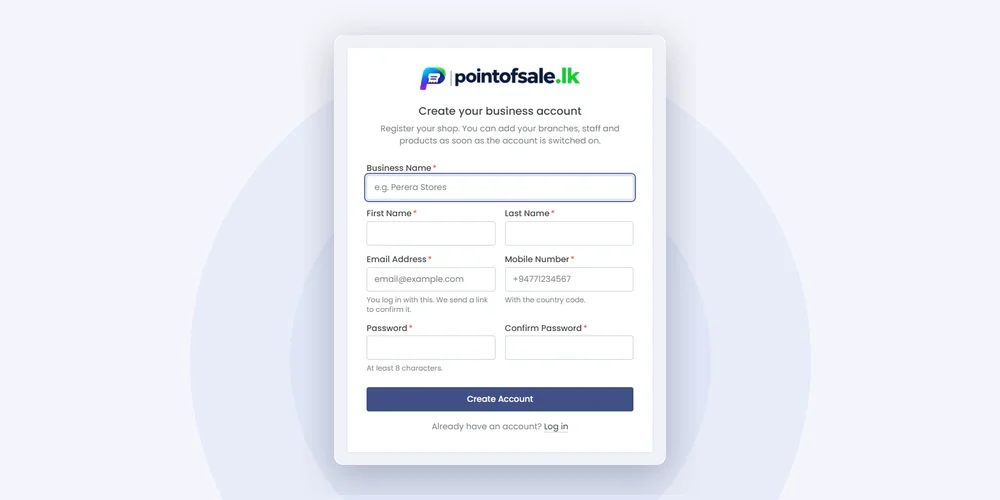
Register your shop online with its name, your mobile number and your email address.
Confirm your email, and the account is switched on once your plan is arranged. Then add your branches and staff.
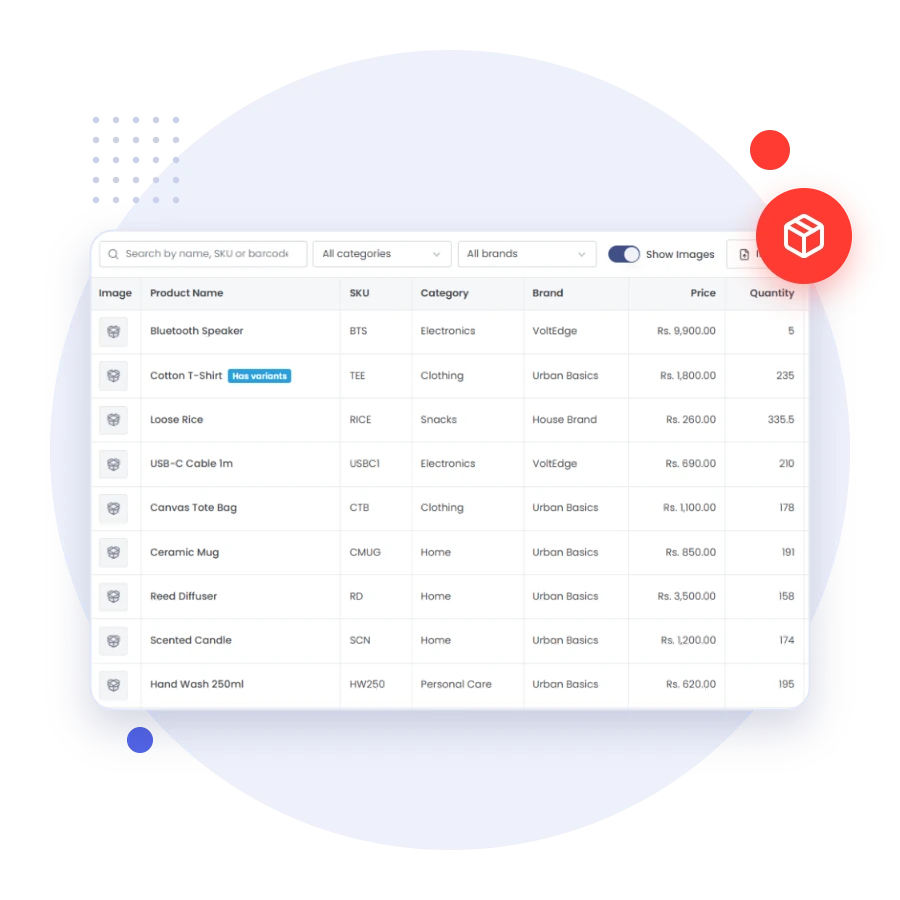
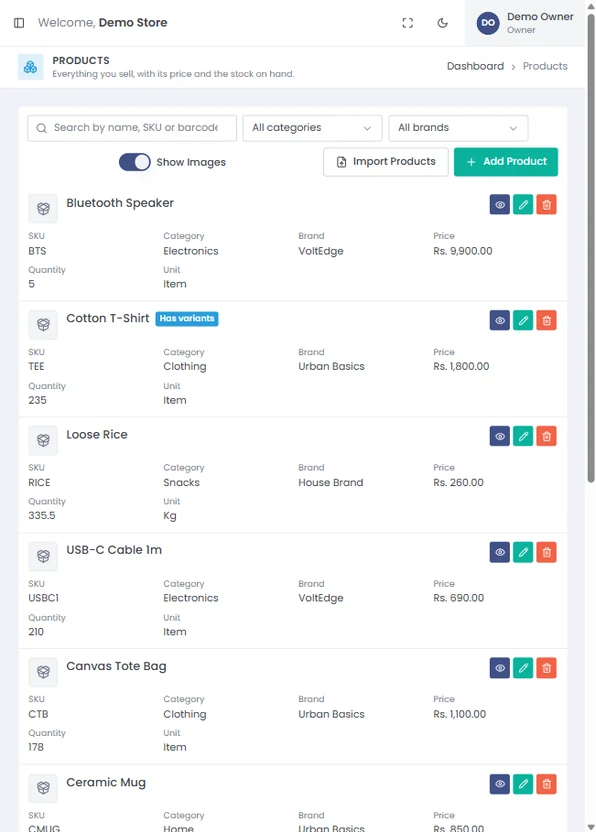
Type them in, or bring the whole list in from an Excel sheet: prices, barcodes, units, sizes and colours.
Record supplier deliveries and the stock goes up in the right branch.
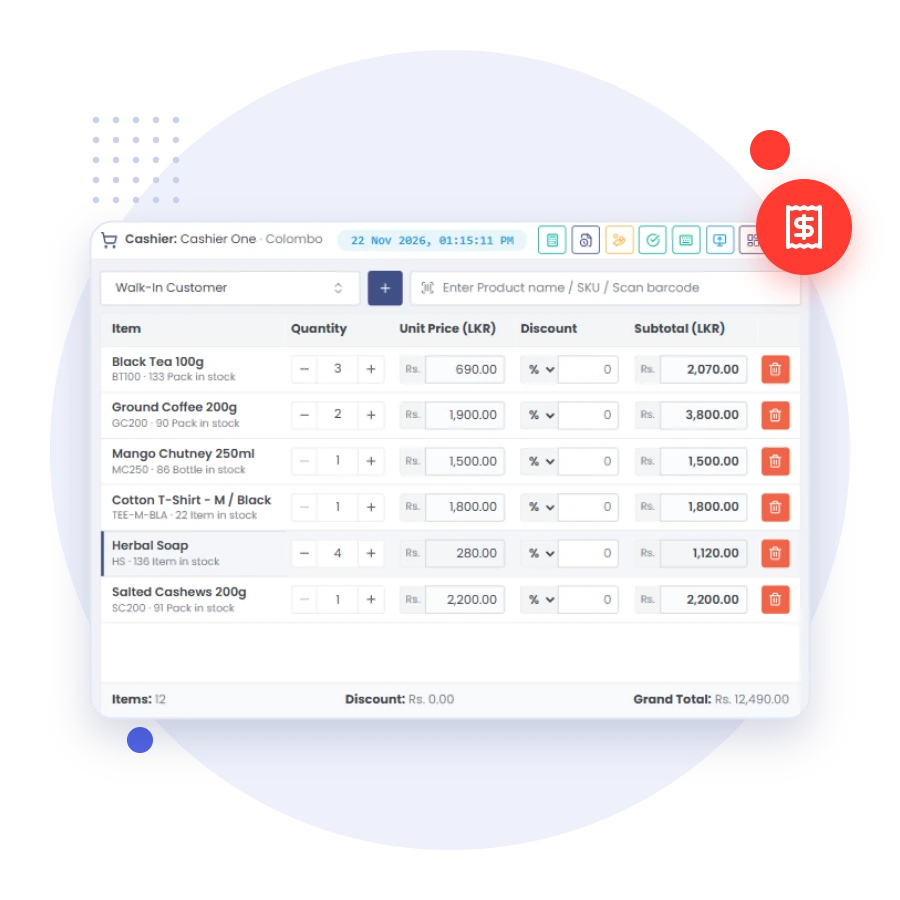
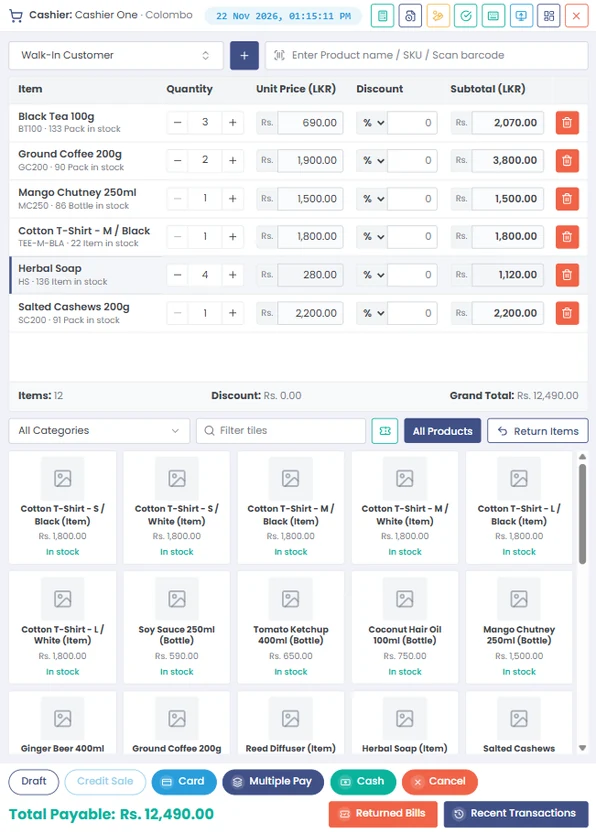
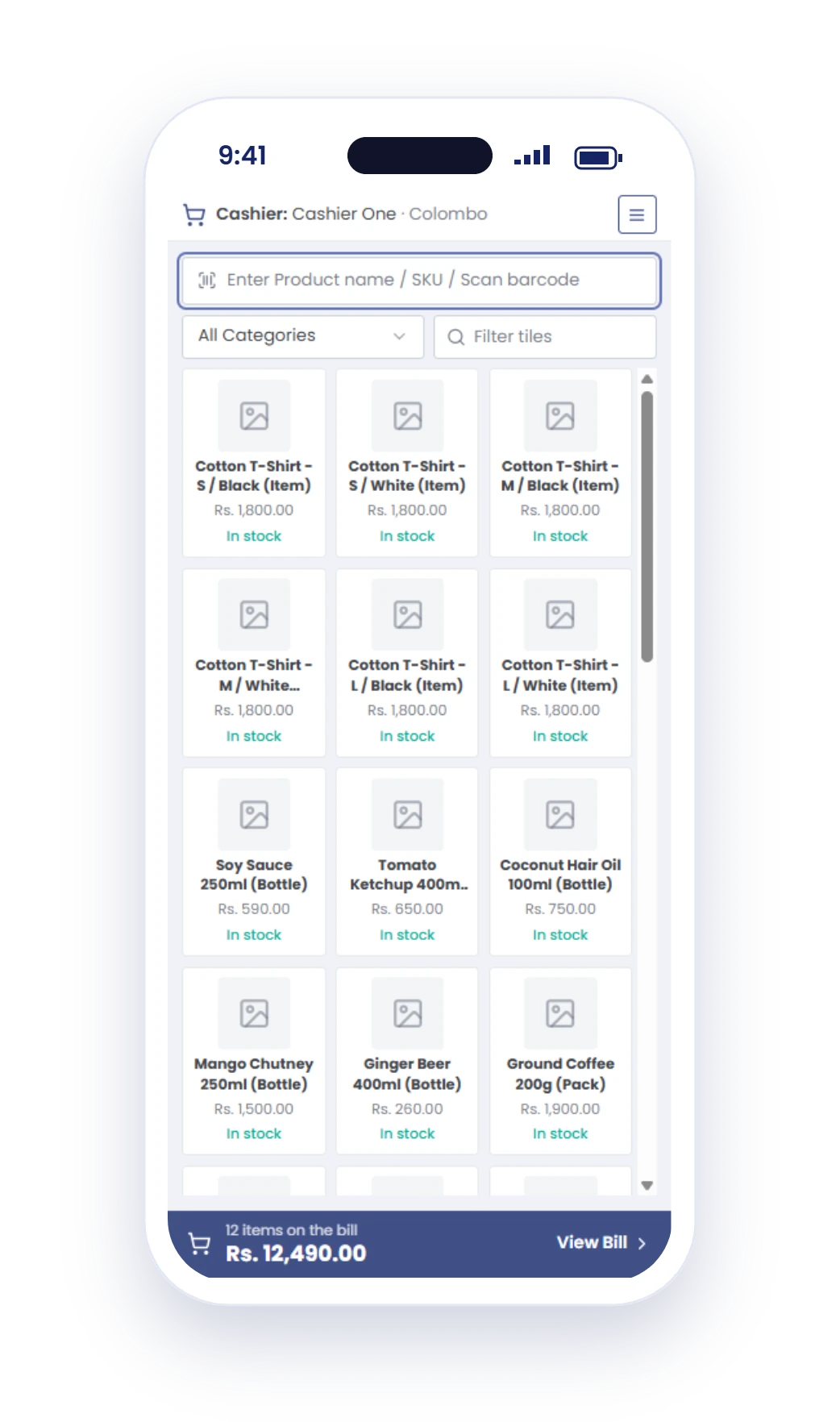
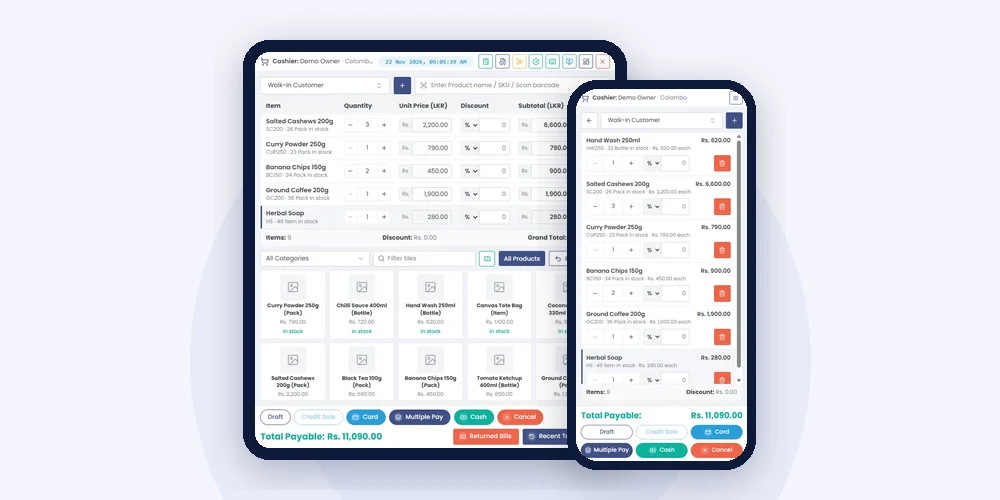
Scan or tap products onto the bill, give discounts and take cash, card or several payments at once.
Print the receipt, and the stock comes off as you sell.
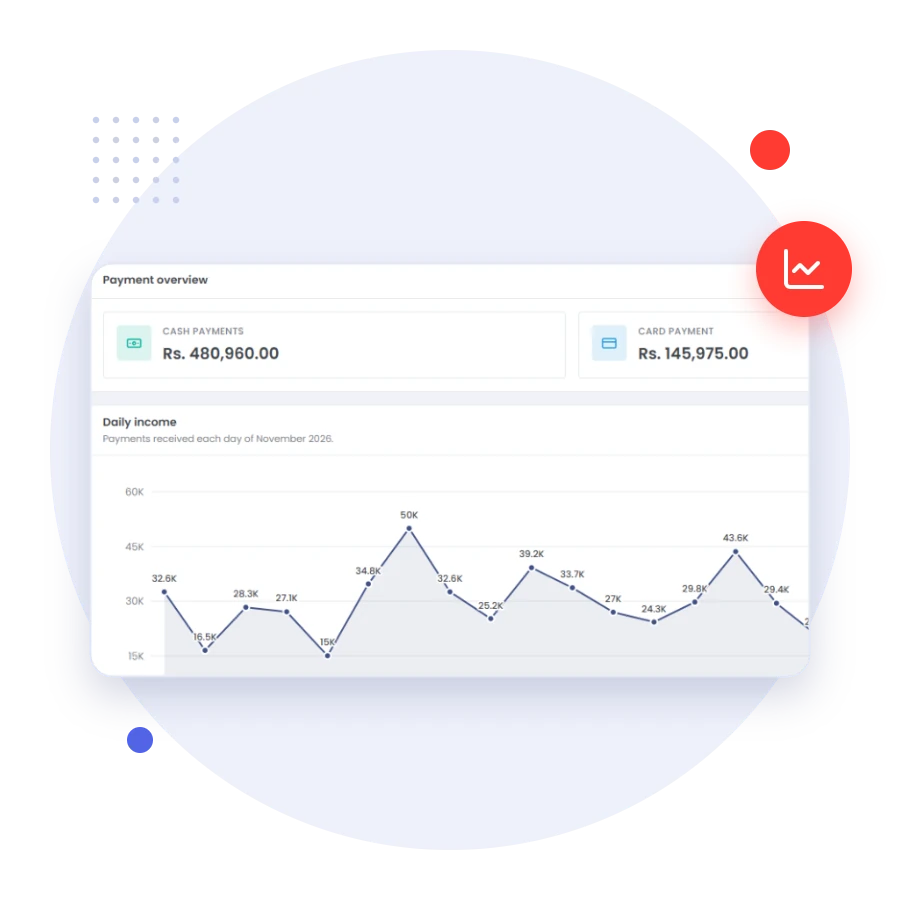
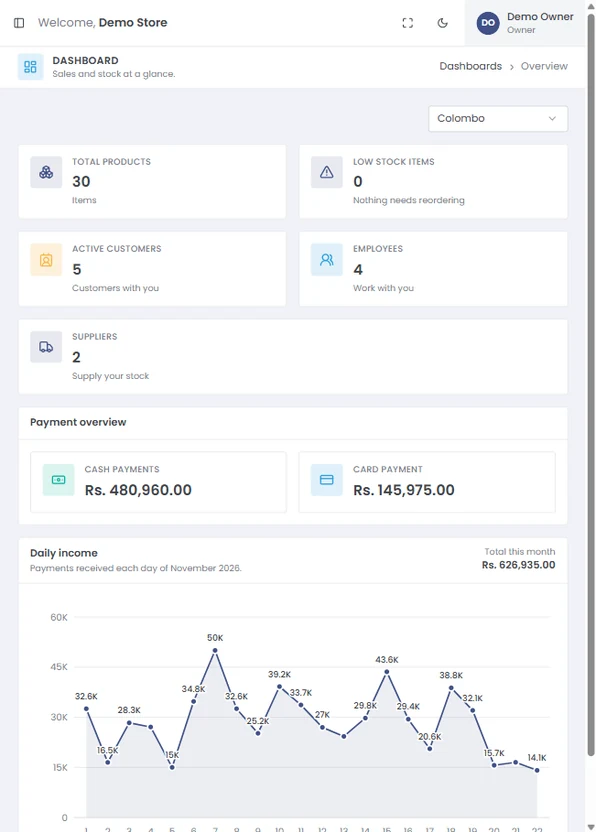
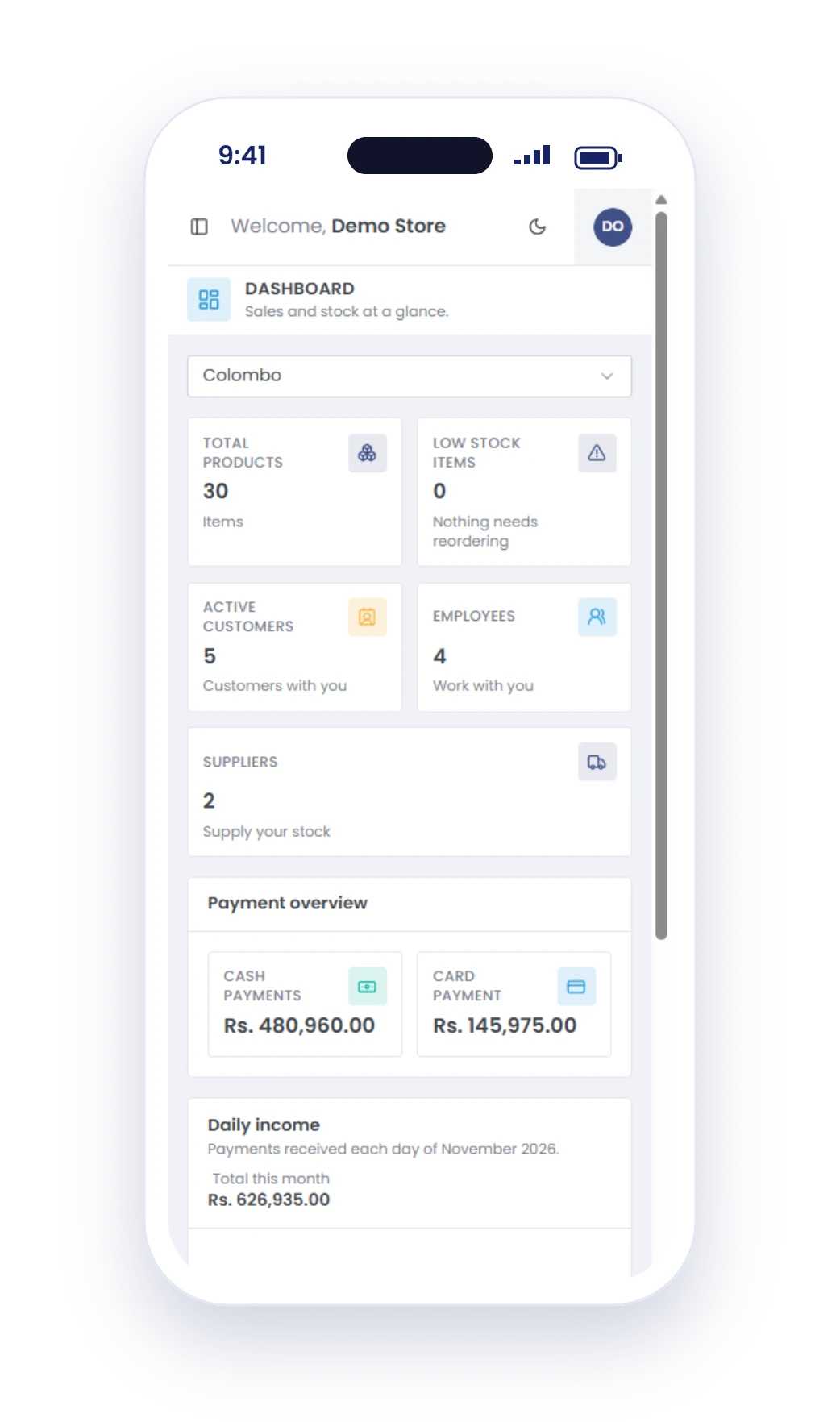
The dashboard shows today's takings and a chart of the month, branch by branch.
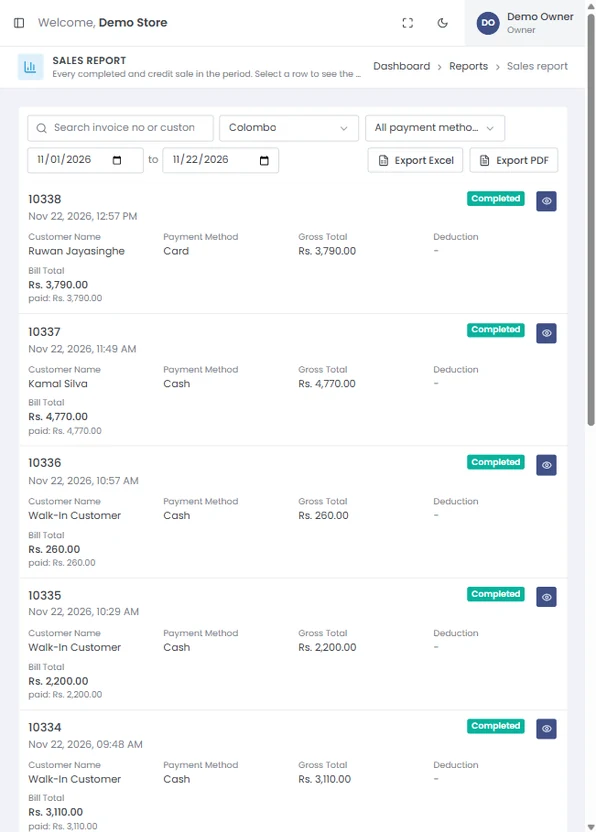
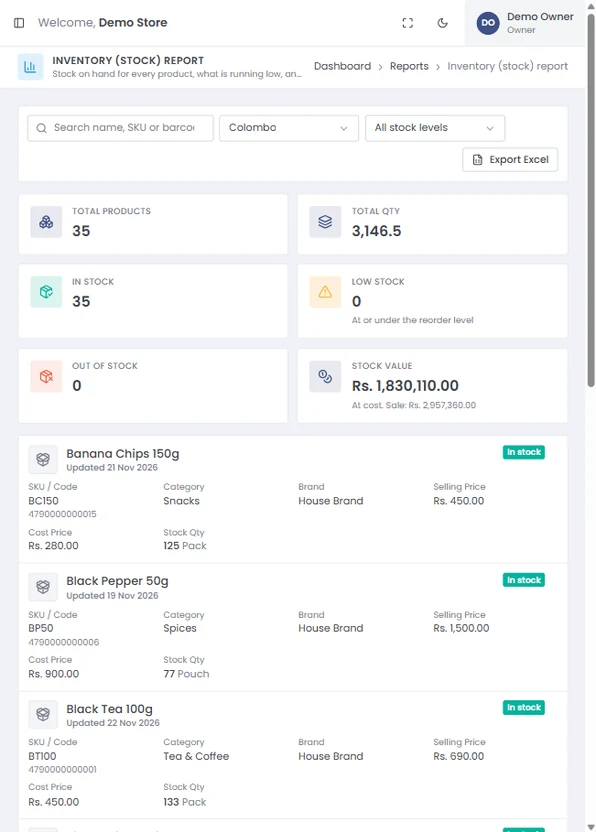
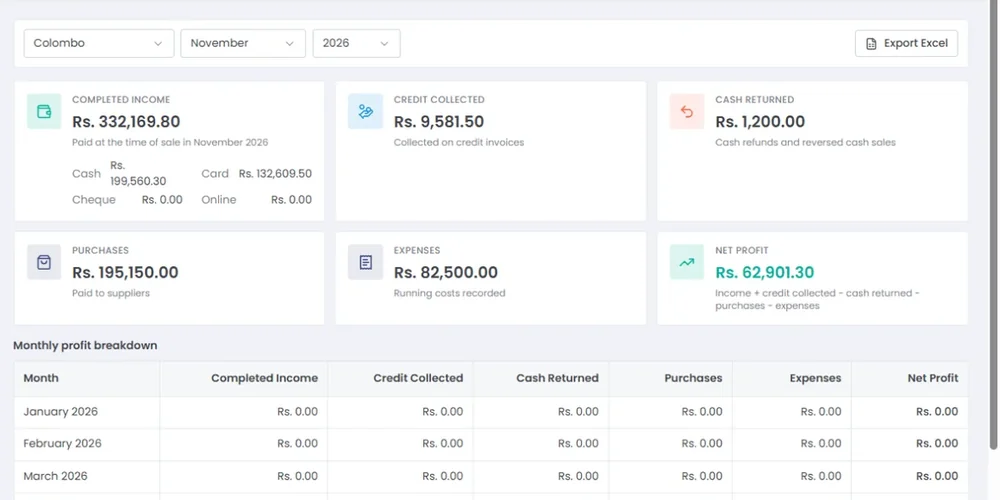
Eleven reports cover sales, profit, stock and credit, ready to export to Excel or PDF.
Built for the way shops work
Everything behind the counter, from the first delivery to the last return.


Made for a full day of selling
The counter, the stock room and the office in one account, with the figures to show for it.
11
Reports
4
Payment types
3
User roles
2
Export formats
Inside pointofsale.lk
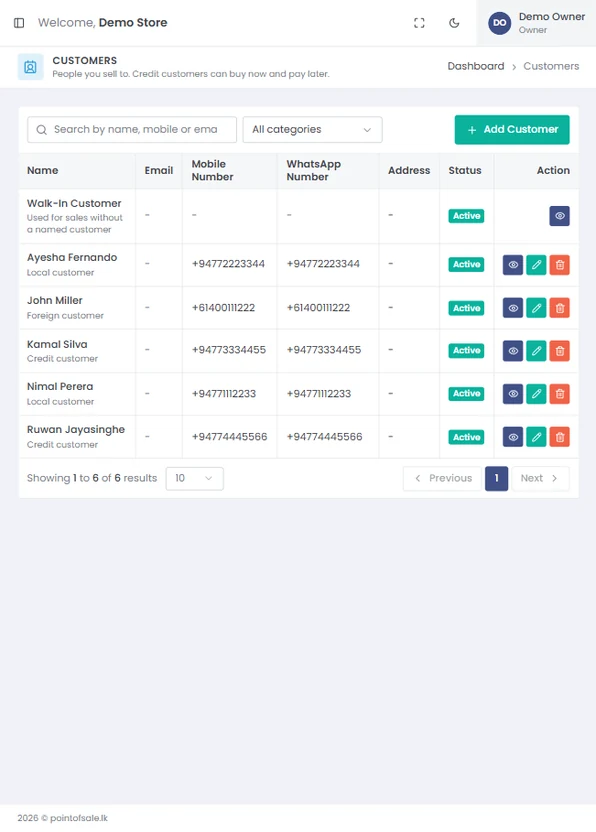
Real screens from a demo shop, here on a tablet. The same screens work on a computer and a phone.
Plans for every size of shop
Every plan has the full till, stock and reports. Tell us about your shop and we will tell you the price.
Single shop
One branch- The till on any device
- Products, stock and barcodes
- All 11 reports
- Cash, card and credit
- Receipts and labels
- Customers, suppliers
- Returns and vouchers
- Excel and PDF export
- Several branches
- Stock transfers
- Setup help
Growing shop
A few branches- Everything in Single shop
- Each branch with its own stock
- Reports per branch
- Cash, card and credit
- Receipts and labels
- Customers, suppliers
- Returns and vouchers
- Excel and PDF export
- Several branches
- Stock transfers
- Setup help
Larger business
Many branches and staff- Everything in Growing shop
- Branches and warehouses
- Staff roles and permissions
- Cash, card and credit
- Receipts and labels
- Customers, suppliers
- Returns and vouchers
- Excel and PDF export
- Several branches
- Stock transfers
- Setup help
Questions shop owners ask

Do I need special equipment?
No. pointofsale.lk runs in the browser on the computer, tablet or phone you already have. Add a receipt printer and a barcode scanner when you want them.
Equipment

Can my staff use it too?
Yes. Each person gets their own sign-in as an admin or a cashier. Cashiers work the till, and owners see everything in every branch.
Staff

My products are in an Excel sheet. Do I type them again?
No. Bring the whole list in from the sheet in one go, then print barcode labels for anything that does not have one.
Getting started
Latest Updates
What is new in pointofsale.lk.
pointofsale.lk now works on every screen
The till, the reports and every list now fit phones, tablets, laptops and large monitors, with bigger buttons on touch screens.

Shops can now open their own account
Register your shop online in a few minutes. We switch the account on, then you add your branches, staff and products.
Know how your shop is doing, every day
Daily, monthly, profit, stock and credit reports show what you sold and what you earned, ready to export to Excel or PDF.